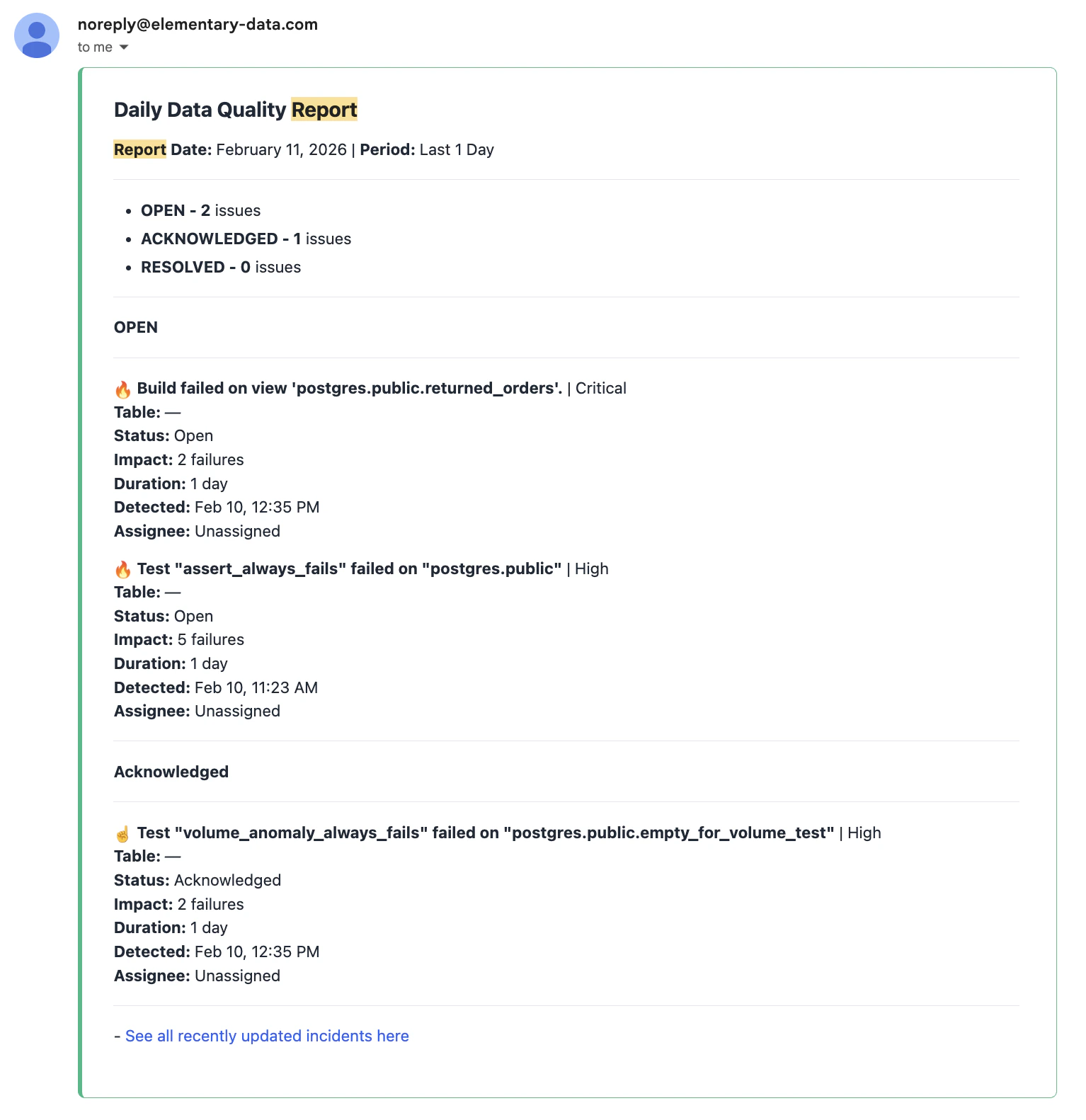
Incidents Digest lets you send a scheduled summary of incidents to your team in addition to real-time alerts. Your team receives a consolidated digest on a daily or weekly cadence covering all relevant incidents in that period. This is useful for reducing noise, providing management-level visibility, or keeping stakeholders informed without overwhelming them with individual alerts.Documentation Index
Fetch the complete documentation index at: https://elementary-devin-1774320697-fabric-cloud-docs.mintlify.app/llms.txt
Use this file to discover all available pages before exploring further.
How it works
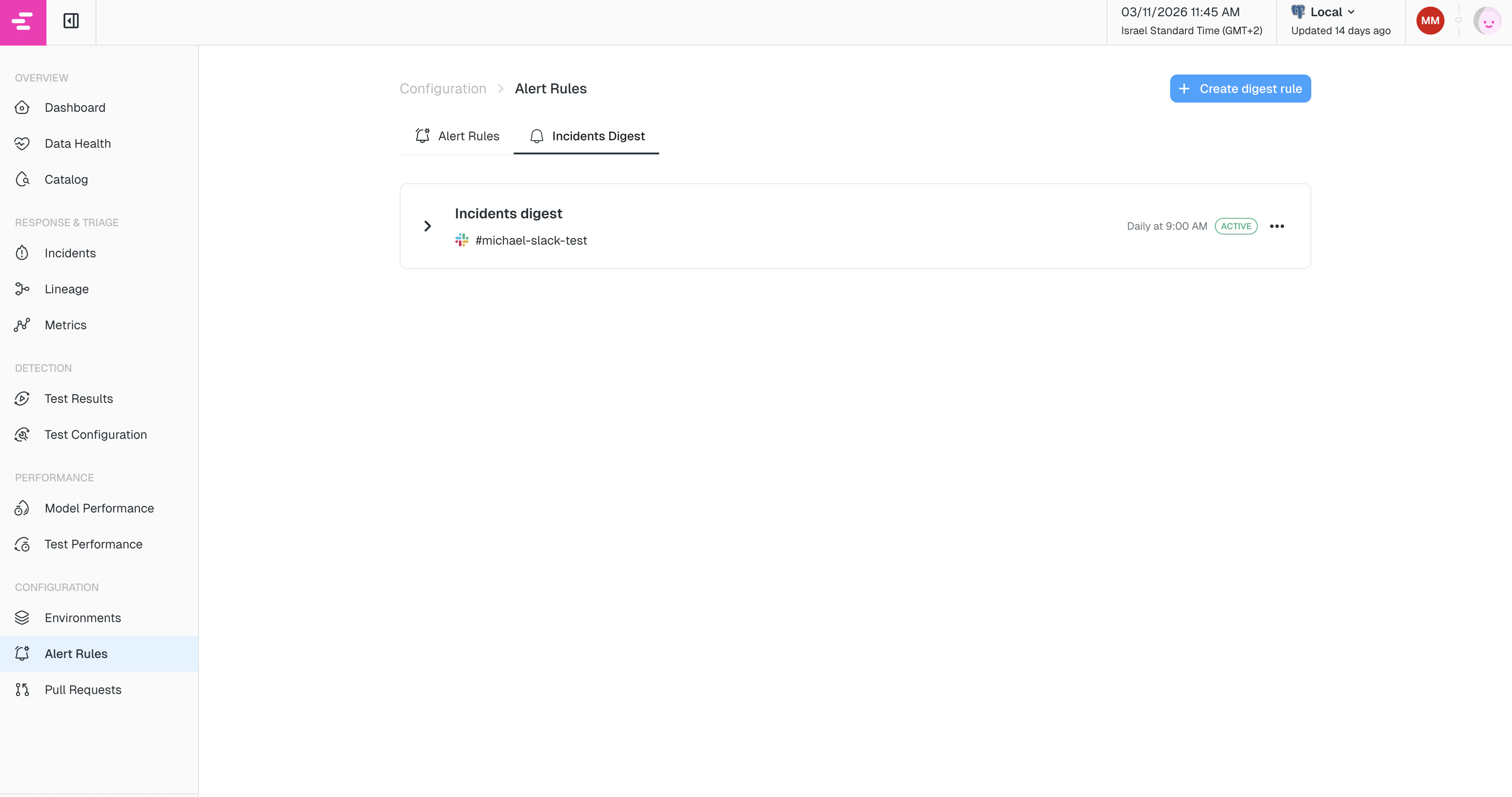
Digest rules are configured under Alert Rules → Incidents Digest tab. Each rule defines:- When to send the digest (cadence: daily or weekly, at a specific hour)
- What incidents to include (filters by tag, owner, status, model, or category)
- Where to send it (one or more destinations such as a Slack channel or email)
Creating a digest rule
Navigate to Alert Rules in the left sidebar and select the Incidents Digest tab. Click Create digest rule to open the configuration drawer. The filters, categories, and destinations are configured the same way as in Alert Rules. The one addition unique to digest rules is cadence.Cadence
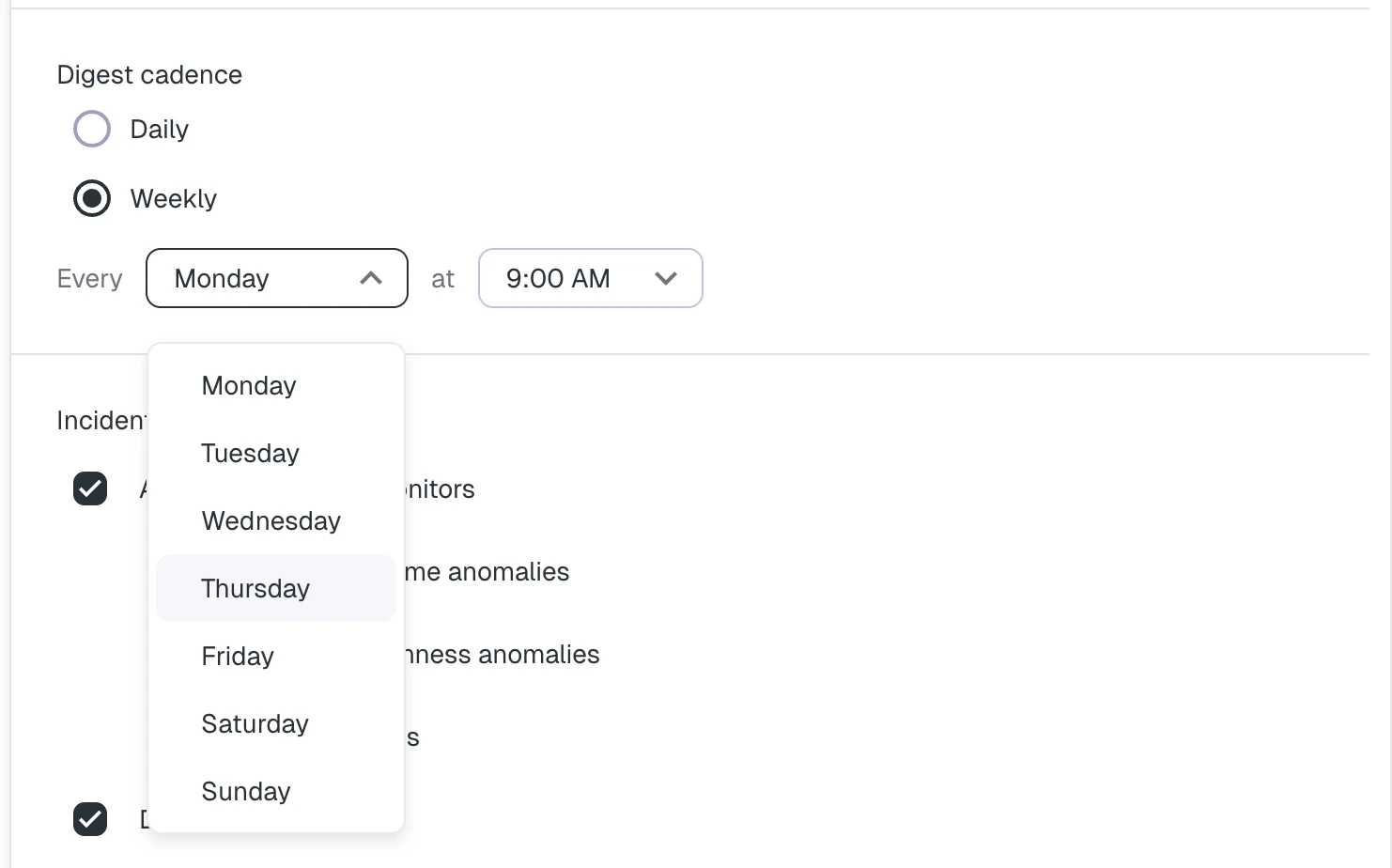
Choose how often the digest should be sent:- Daily — sent once a day at the hour you choose.
- Weekly — sent once a week on the day and at the hour you choose.
Managing digest rules
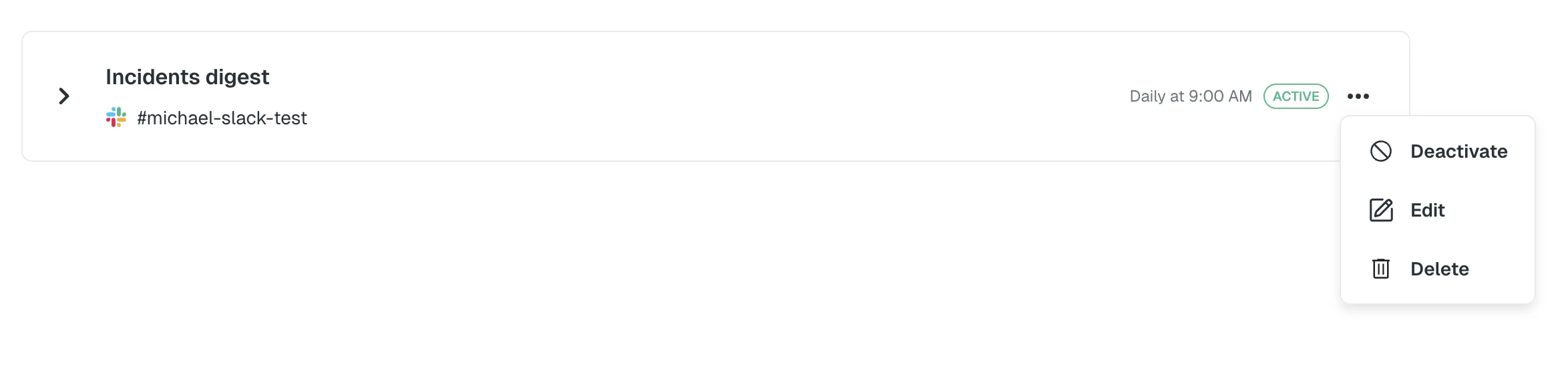
Once created, digest rules appear as cards in the Incidents Digest tab. From each card you can:- Edit the rule to change any configuration.
- Activate / Deactivate the rule without deleting it.
- Delete the rule.