

Elementary’s PagerDuty integration enables sending alerts when data issues happen. It is recommended to create alert rules to filter and select the alerts that will create incidents in PagerDuty.Documentation Index
Fetch the complete documentation index at: https://elementary-devin-1774320697-fabric-cloud-docs.mintlify.app/llms.txt
Use this file to discover all available pages before exploring further.

Enabling PagerDuty alerts
-
Go to the
Environmentspage on the sidebar. -
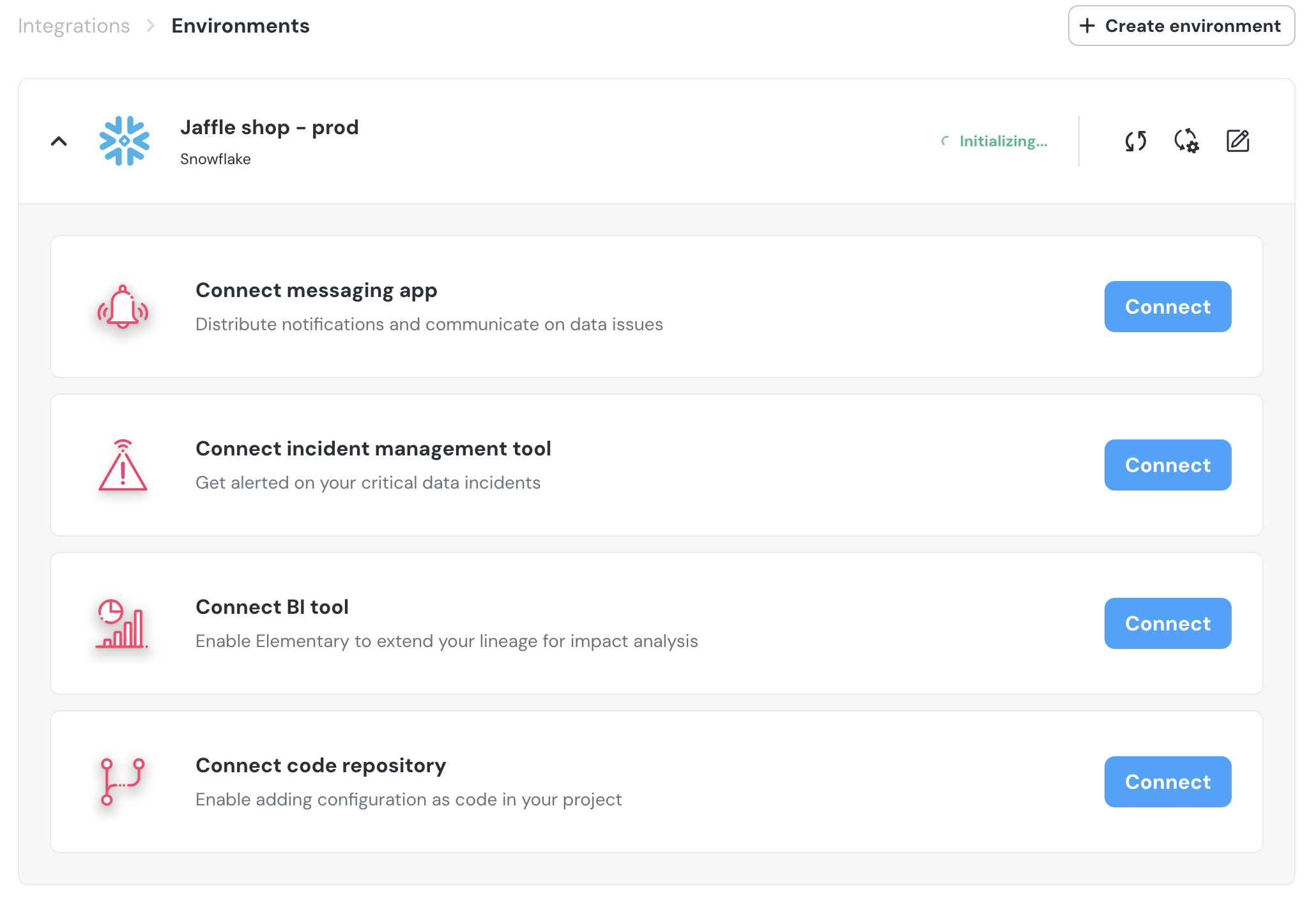
Select an environment and click connect on the
Connect incident management toolcard (second card), and selectPagerDuty.
- Authorize the Elementary for your account. This step may require admin approval.

PagerDutywill now be available as a destination on thealert rulespage. You can add rules to create PagerDuty incidents out of alerts who match your rule.